
Mods and OMF Studio
Make your own robots
Mods add robots, arenas and pilots that play exactly like the game's own: every animation, move and hit point, in both looks, in every mode and in replays. OMF Studio makes them, in the game's own formats, pixel for pixel.
Playing mods
Drop it on the game
Drop a .omfmod file onto the game window to install it, or open Extras › Mods and press
I. Mods are on once installed; Extras › Mods turns them on and off, saves them as files and
removes them. Changes play from the next start (R restarts the game).
A mod's robots join the robot select screen, the computer's opponents and the robots Plug trades in tournaments. LAN games need the same mods on both computers.
Comes with the game
New robots and arenas
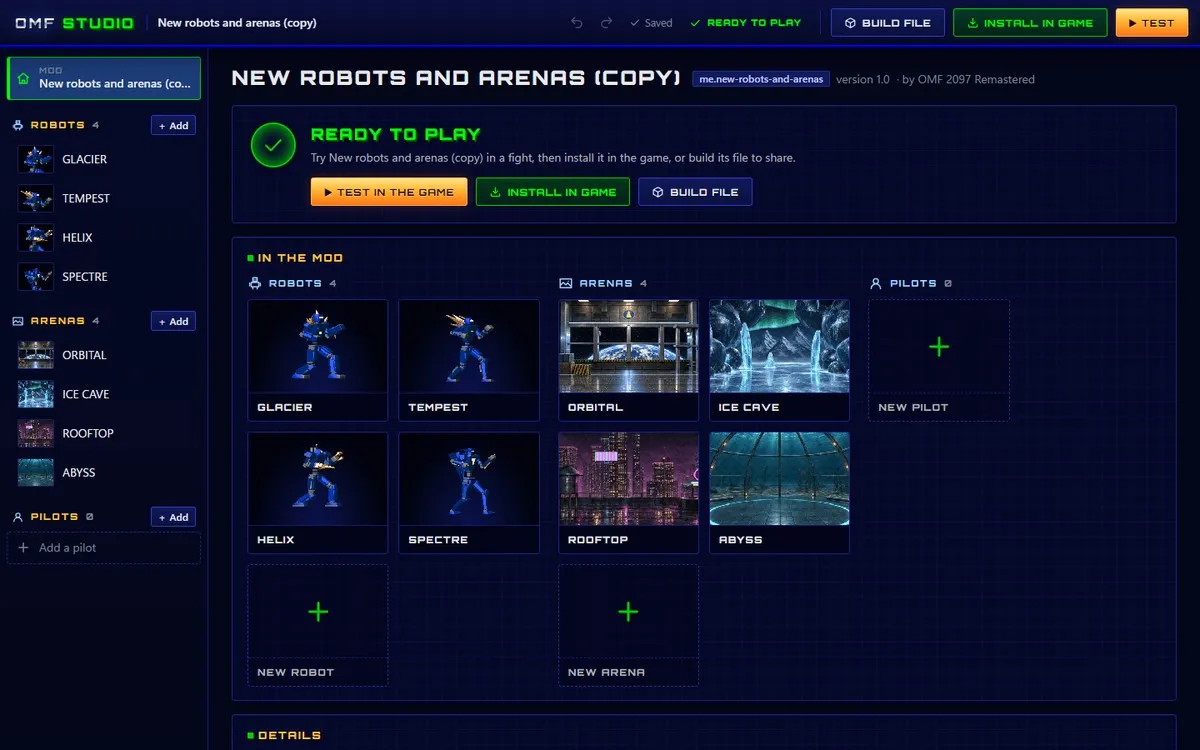
The remaster's four new robots and four new arenas are a mod too, made with the same package format as any other, so it's the fullest example there is. OMF Studio opens a copy of it from its start screen: see how every animation, move and HD picture is put together.
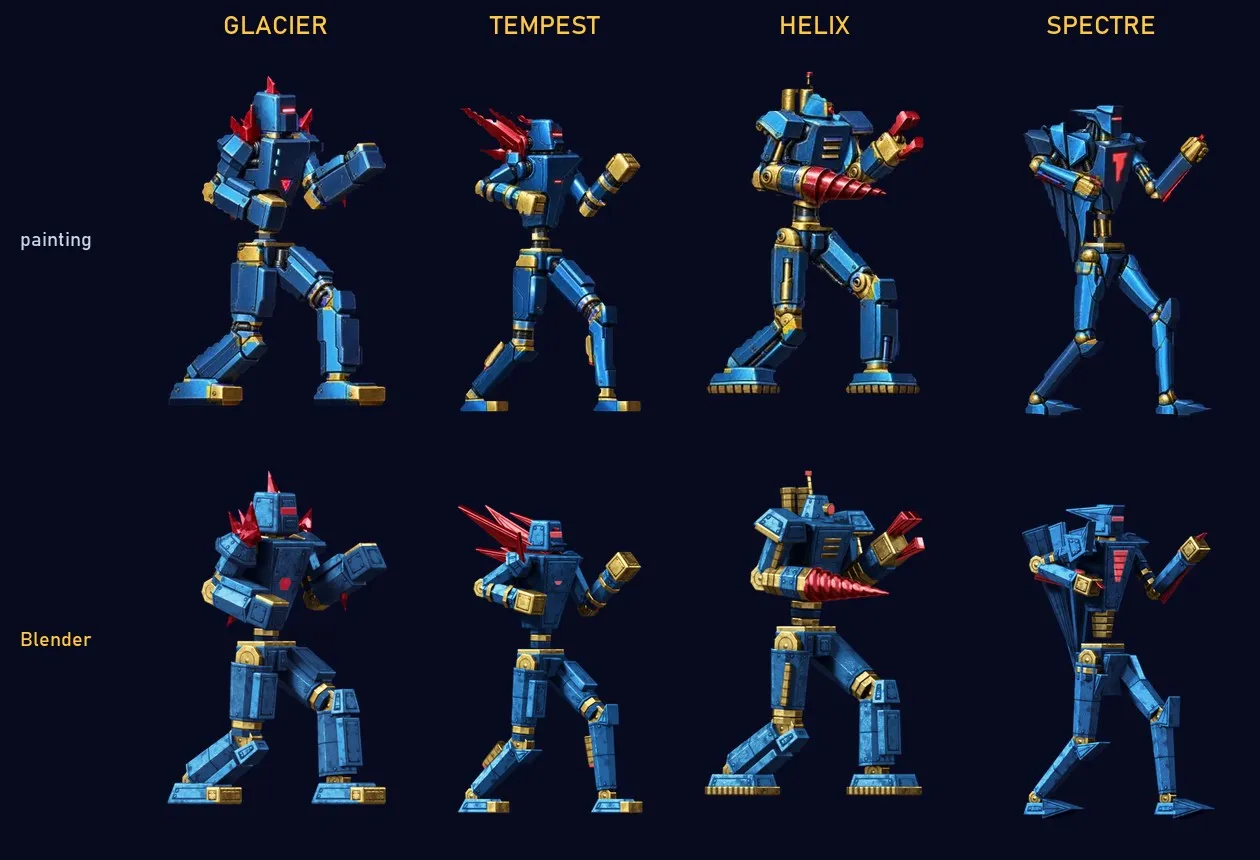
- RobotsGlacier · Tempest · Helix · Spectre
- ArenasOrbital · Ice Cave · Rooftop · Abyss
OMF Studio
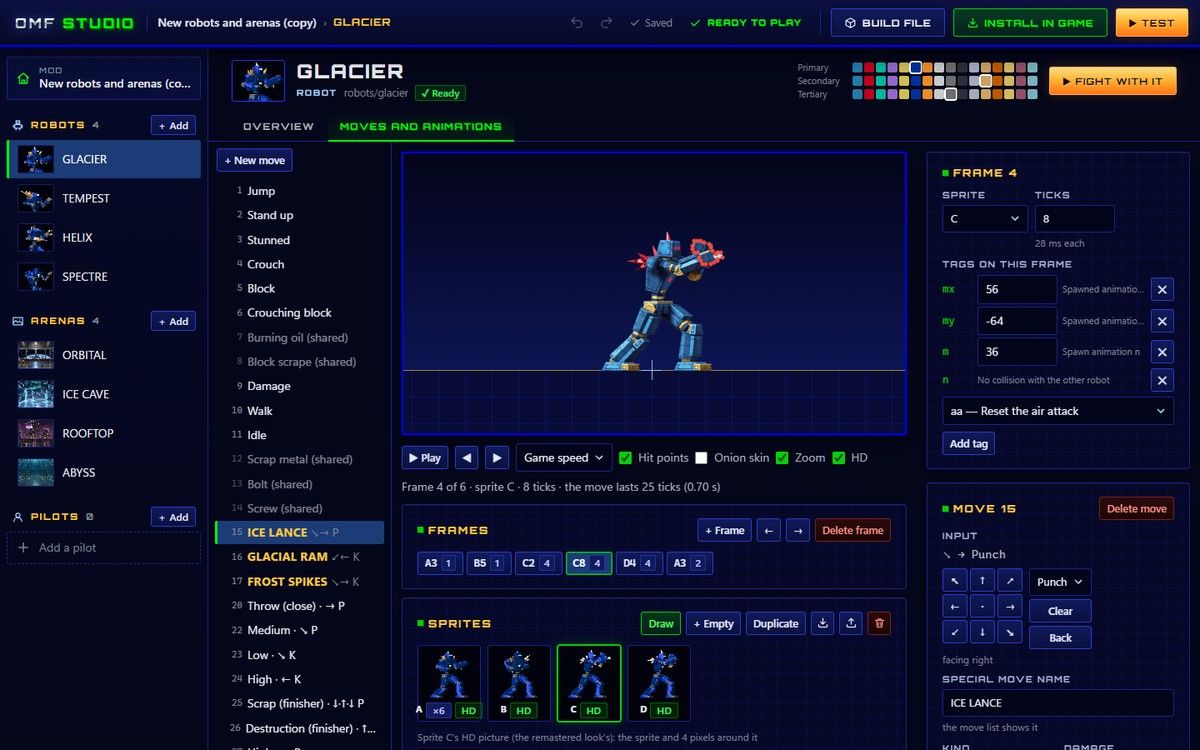
Everything the game is made of
-
Robots
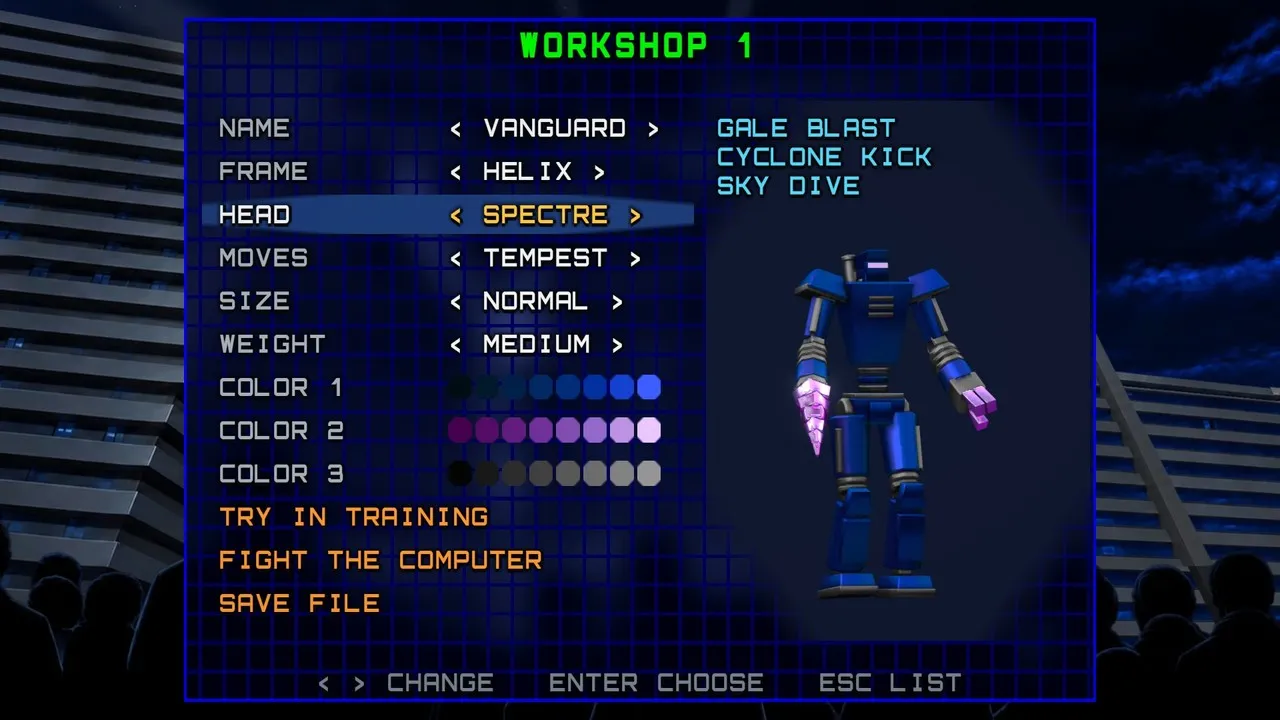
Start from a copy of any robot (the new ones too, with their HD pictures), the robot workshop's parts, or a blank figure. Then every one of its 70 moves: the animation with its frames, tags and hit points, the input, damage, block stun and the victim's reaction. Sprites are drawn in the game's palette with an onion skin and the floor line.
-
Arenas
Start from a copy, or from a picture: Studio picks the arena's 64 colors and makes the shading tables the game needs. Name its music and ambience, then its scenery and hazards: their chance, damage and what they do when they hit.
-
Pilots
Portrait and face, stats and colors, the lines for the VS screen and after winning, an ending, and the computer's personality when it fights as them: how it goes about a fight and how readily it learns your habits.
-
HD artwork
Export every sprite as a template to paint over or upscale, and bring the pictures back by name. A robot built from the workshop's parts has its HD frames rendered from its 3D model, the way the remaster's own robots are.
-
Test in the game
A fight against the computer, the computer against itself, training in any arena, or the one-player game from its pilot select, VS screen or ending. Every robot, arena and pilot has its own button: Fight with it, Fight in it, Play as them.
-
Build and share
Build file saves the .omfmod to share; Install in game installs it here. Projects save themselves, and Undo and Redo go back and forth through the last 80 steps.
Small files, easy to share
The game's files
-
.omfmodA mod - Robots, arenas and pilots, made in OMF Studio. Drop it on the game to install it.
-
.omfbotA workshop robot - Built in the robot workshop from the new robots’ parts, ready for training or a fight.
-
.omftrnA tournament - Your own circuit made from the installed ones, shown in Tournament play.
-
.recA replay - The original game’s own replay format: every fight is saved as one.
Free, beside the game
Get OMF Studio
The game opens it too, from Extras › OMF Studio. The Studio downloads are the same program, opening straight into Studio.
- Windows Most PCs · 232 MB
- macOS M1 and later · 227 MB
- Linux AppImage · 311 MB
- In your browserstudio.html, beside the web version
Other systems (Windows on ARM, 32-bit, Intel Macs, Linux on ARM64) are on the download page.
Go deeper
The documentation
- The modding guide OMF Studio, the package format (mod.json, robot.json, arena.json, pilot.json, hd.json) and how the game loads mods
- Robots from 3D models How the new robots' HD frames are rendered in Blender
- The architecture How the code is organized, and how it maps to the original's C reference
- Contributing Want to help? Start here